
A+ Grass
$15.00This is a URP shader for Unity. A+ Grass provides a texture based solution for interactive grass.
It has unlimited customization using any 2D texture you like to render, adjustable colour with gradient settings, colour noise, wind noise with 2 blend modes, characters and mouse interactive behaviour.
Preview




Contents
Note: The video demonstrates contents of the 1.0.0 version of A+ Grass Asset. Read the documentation below for the latest most up-to-date information.
In the package you will find the following folders:

It includes a Read Me with basic information, links, and license details, as well as an offline .pdf documentation, which contains brief explanation of the asset.
Editor
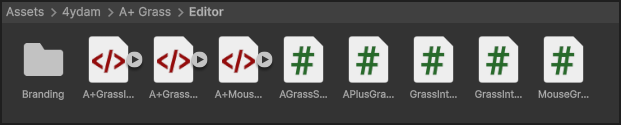
Editor contains custom inspector scripts, which allows you to easily adjust the settings and parameters of the shader in a user-friendly interface.
Do Not Delete! They are essential for the proper functioning/visibility of the asset. Only modify them if you know what you are doing.Materials
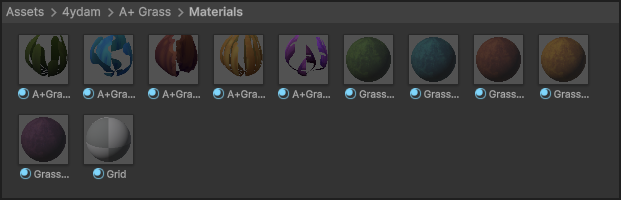
You will find 6 grass material presets set up as an example of what you can achieve with the A+ Grass shader. 5 grass & 1 flower material presets. (This includes a ground material for each grass) They are all using a unique texture for the mesh sampling and rendering, included as part of the package. And also a simple grid material using a checker pattern.
Models
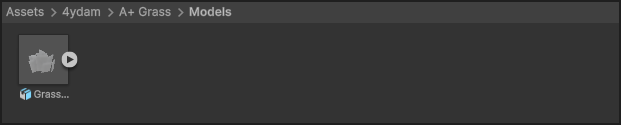
There is a grass patch with multiple quads. There as 3 presets/levels, as it is setup with the LOD component, gradually decreasing amaount of quads and culling when off view.
LOD0 Vertices: 84 / Edges: 84 / Faces: 21 LOD1 Vertices: 44 / Edges: 44 / Faces: 11 LOD2 Vertices: 8 / Edges: 8 / Faces: 2 You will also find a folder with different shapes, used as examples of custom mesh that can be inputed into Grass Interactors.Prefabs
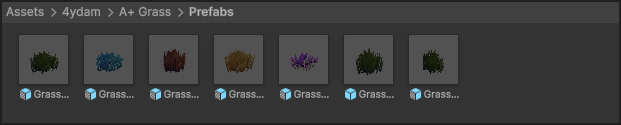
Prefabs include 6 unique grass presets using the included grass sprites, 1 specifically set up for a top-down view, as well as 1 for the terrain.
Scenes
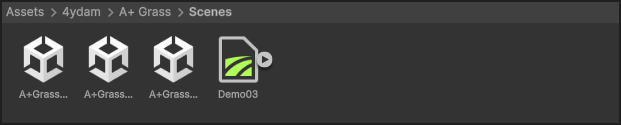
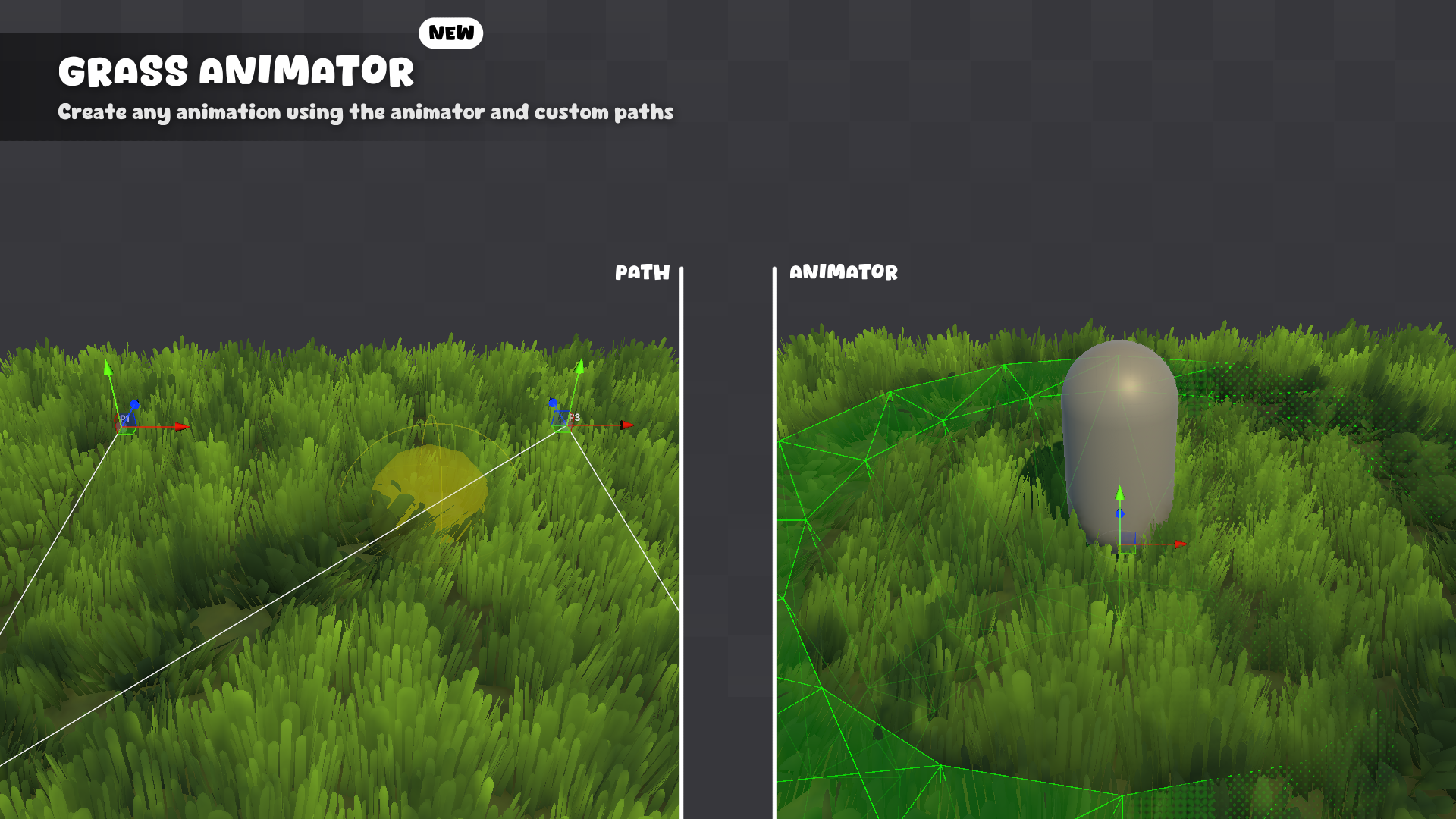
There are 5 demo scenes that showcase the different features and setups of the A+ Grass asset. There's also Terrain data for the 3rd Scene in that folder. There is also a folder for Demo05 that includes animation and particle system prefab.
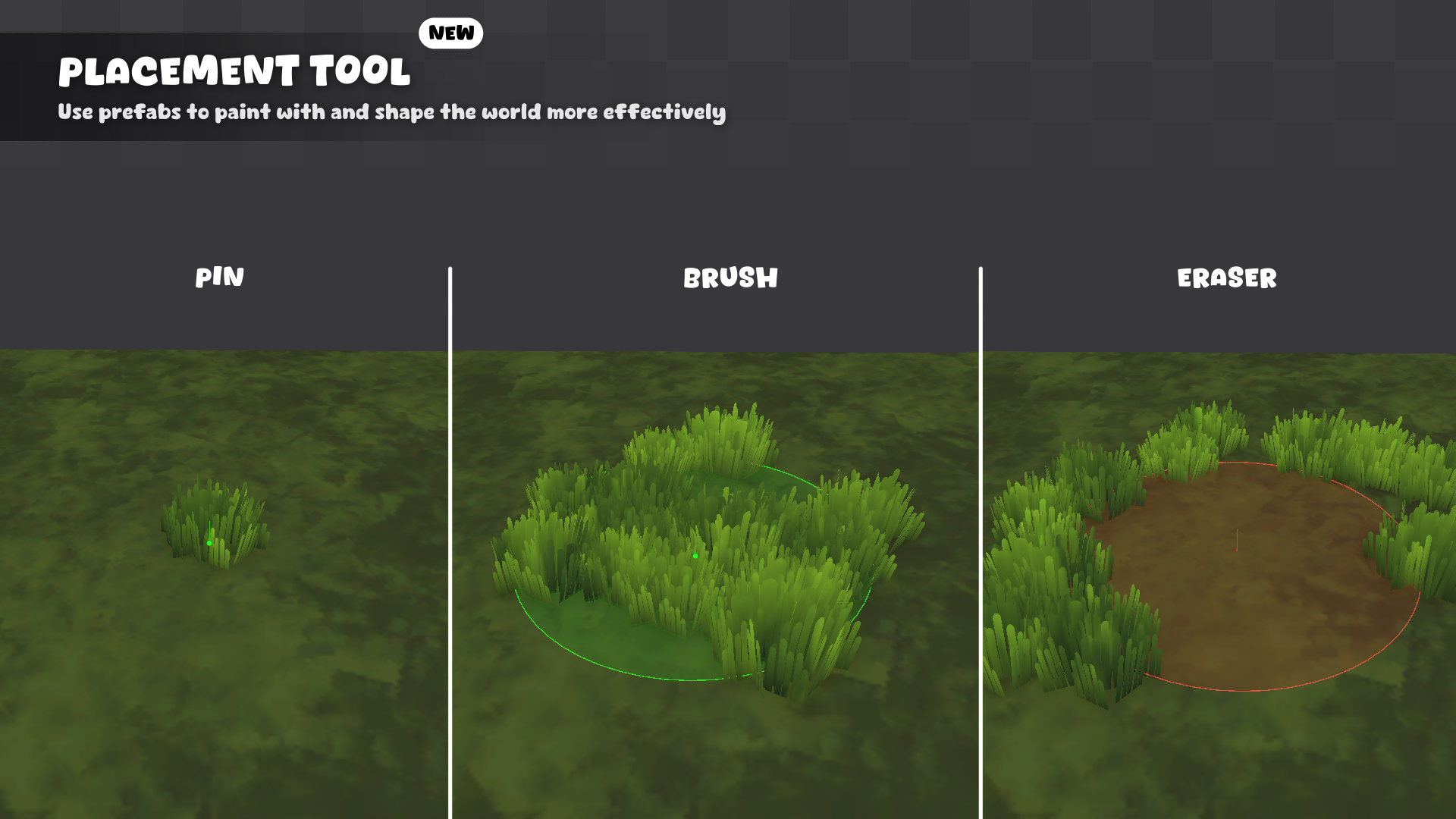
Demo 01 Mouse interactivity alongside all of the 5 unique grass presets. Demo 02 Top-Down setup with character interactivity with presentation of LOD in use. Demo 03 1st Person setup with a field of grass on a terrain. Demo 04 Placement Tool playground on different surfaces. Demo 05 Presentation of Grass Animator with a few examples.Scripts
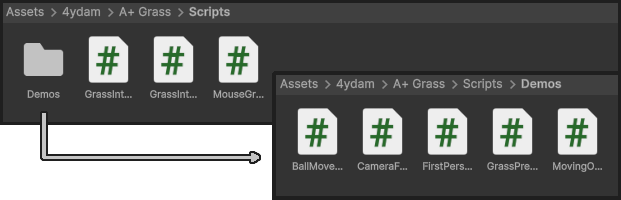
In scripts folder there are 3 core scripts that handle the main functionality of the A+ Grass asset.
Do Not Delete! They are essential for the proper functioning/visibility of the asset. Only modify them if you know what you are doing.
Additionally, there is a Demo folder that includes scripts used in showcase of the asset in the Demo scenes. Feel free to remove these alongside the Demo scenes if you have already explored the asset and are ready to use it in your project.
Shader
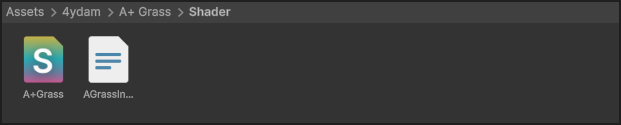
Includes the main shader used for rendering the grass.
Textures
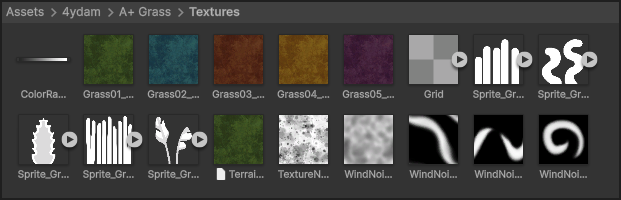
Inside you will find 9 unique sprite textures used for the example grass materials + 3 flower texture, 5 ground textures for each grass example, a simple checker pattern texture, ramp texture, terrain layer, a noise texture used for colour variant and 2 wind noise textures.
Ground Textures 256x256px Noise Textures 1024x1024px Grass Sprites 1024x1024px Colour Ramp 128x8pxVersions

The default package version is 6000.3+ so this is the version of the asset that is imported.
Note: If you are using older version of Unity Editor, on import you might get errors. Head into the Versions folder and re-import the asset using the correct version. This should resolve all errors in console.Recommended Asset
The A+ Grass asset contains a few textures/sprites to get started with. If you want a bigger set of textures, consider checking out the Foliage Sprites pack by Kenney.
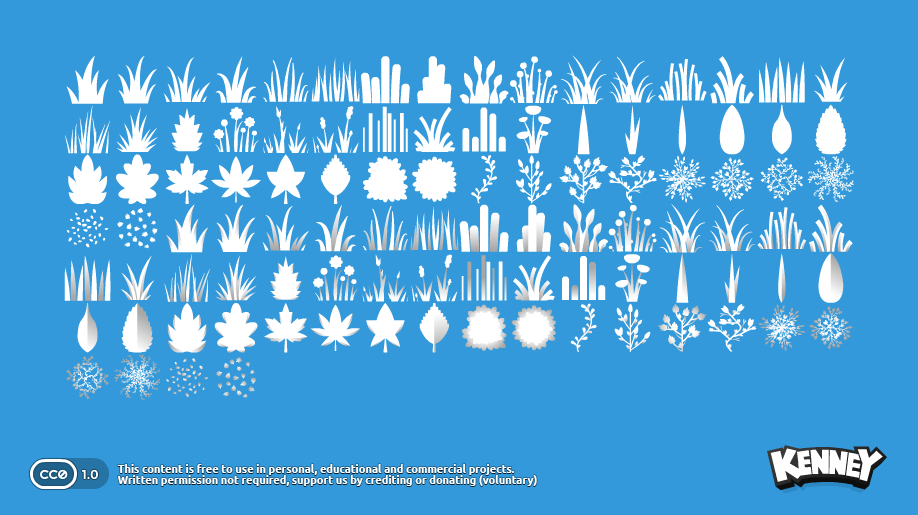
I do not own the Foliage Sprites pack, and have not been involved in its creation. I am simply recommending it, as it is an amazing free foliage pack which works perfectly with the A+ Grass shader.
Get Kenney's Foliage Pack